Floating Pet Nest
Add a transparent floating nest background that follows your Codex pet as it moves.
CodexPet Nest desktop companion
A lightweight desktop companion that follows your Codex pet with a floating nest, usage status, system-time widgets, quick actions, local pet management, and installable community themes. The first public build is for macOS, with more platforms planned.
Open source · macOS available now · Windows and Linux coming soon · Works with the CodexPet community

Product
Add a transparent floating nest background that follows your Codex pet as it moves.
Read local Codex usage logs and show capacity at a glance. No API key needed.
Show system time, date, day/night state, countdowns, and Pomodoro timers built for long coding sessions.
Manage locally installed pets, open their folders, and remove app-managed pets safely.
Browse community pets from codexpet.xyz and install them into the desktop app with one click.
Configure pet-adjacent shortcuts for apps, Apple Shortcuts, Terminal commands, and web links.
Interface
Install pets from the community, manage local pets, switch nest themes, and configure quick actions—all in one lightweight window.
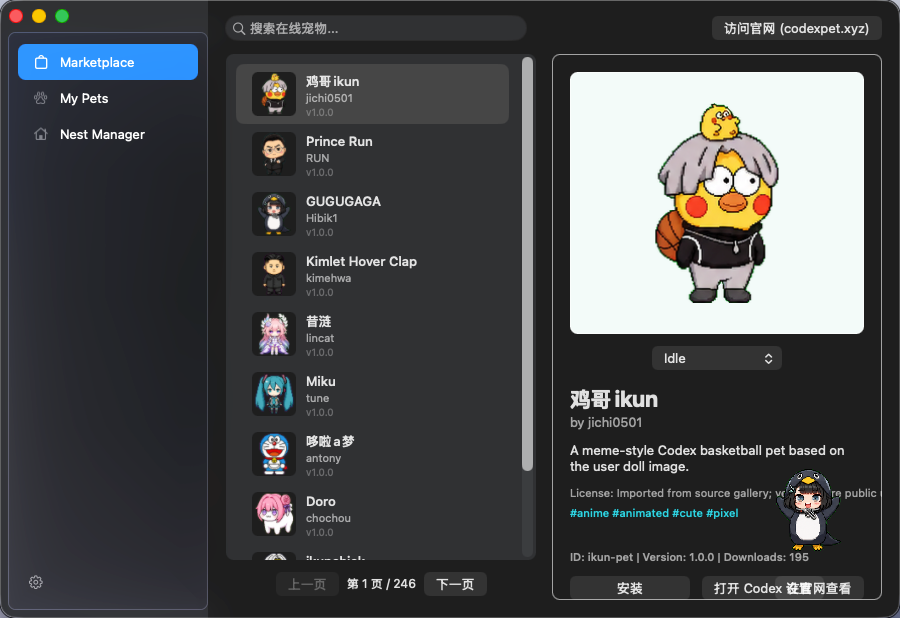
Browse and install pets and nests directly from the codexpet.xyz community.
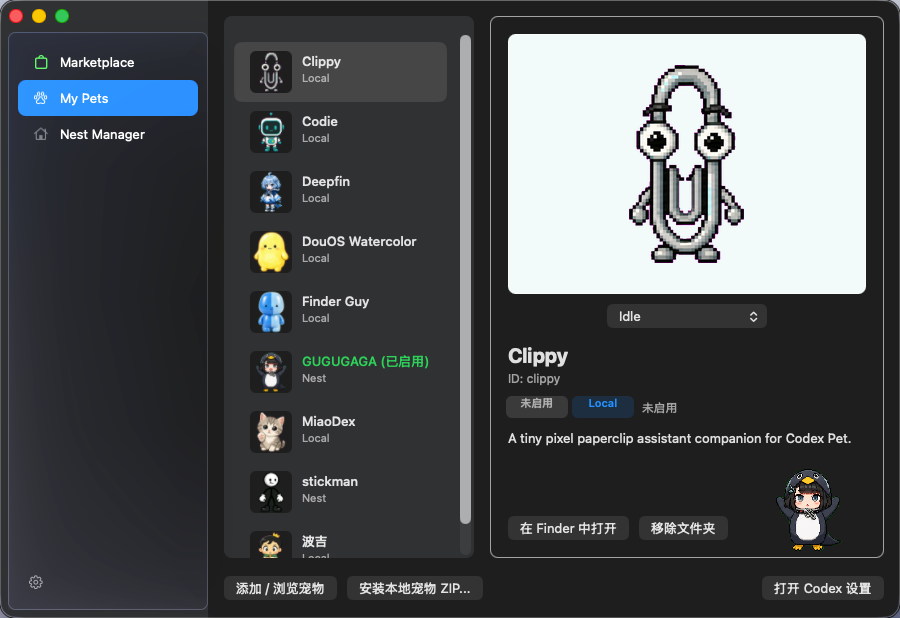
Switch, manage, and delete your installed pets with ease.
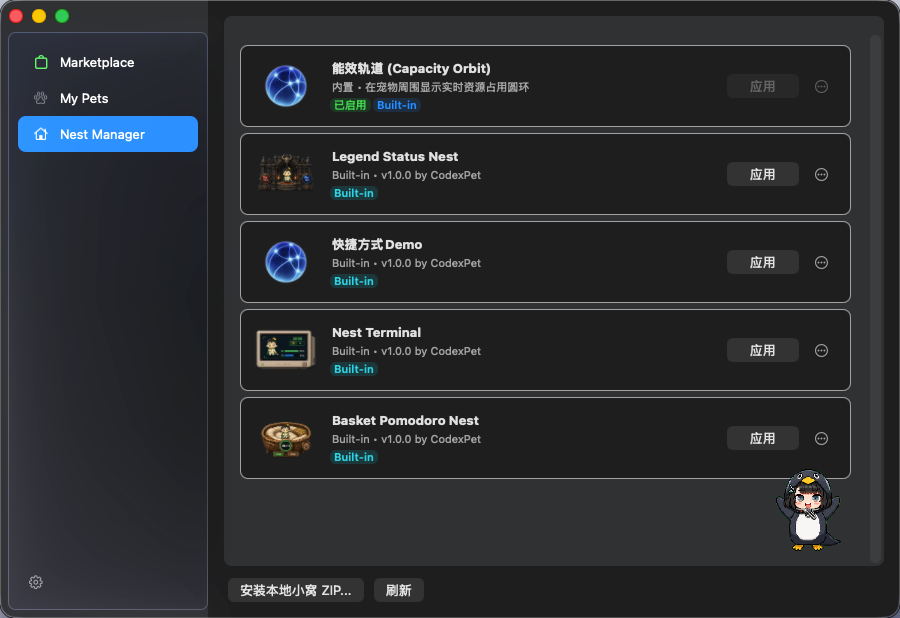
Change your pet's desktop home with community-made themes.
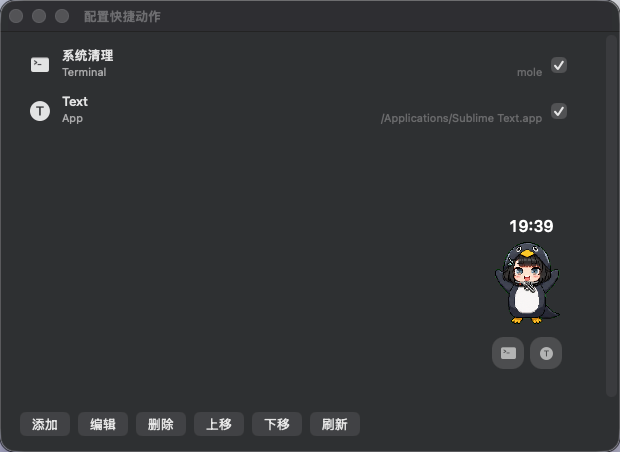
Configure local shortcuts for your daily workflow.
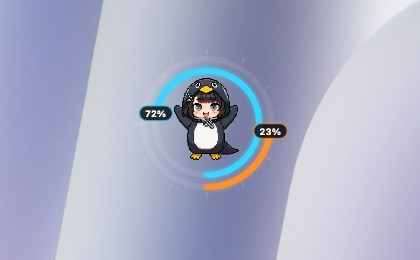
Visualize your Codex usage status in real-time.
codexpet.app × codexpet.xyz
codexpet.app ships the desktop tool. codexpet.xyz supplies the community content.
Download the current desktop build, read safety notes, inspect the package format, and follow development on GitHub.
Browse community-made pets and nest themes, discover creators, and install content through the desktop app.
Nest themes
Nest themes are safe static packages: images, layout JSON, and built-in widget slots. No scripts, no WebView, no third-party code execution.
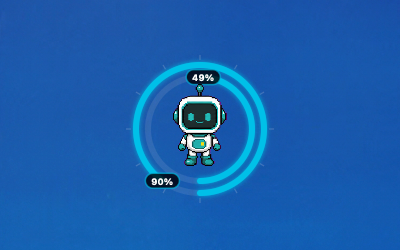
usage · focus
Built-in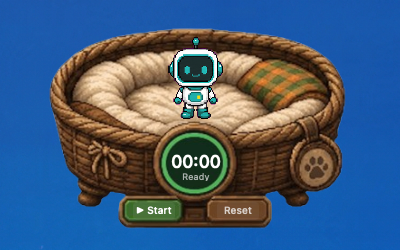
focus · warm
Built-in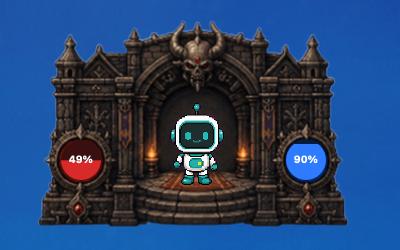
status · game UI
Built-in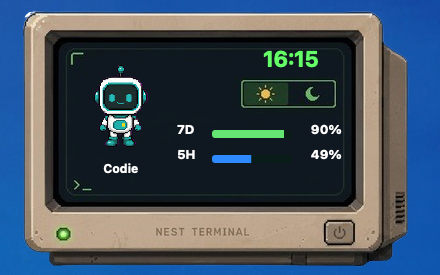
terminal · developer
Built-inSafety and privacy
CodexPet Nest is designed as a companion, not a patch. It keeps the desktop integration local, transparent, and reversible.
Creators
CodexPet Nest supports installable pet and nest packages. Nest packages are intentionally simple: static assets, metadata, and layout JSON.
{
  "type": "codexpet.nest",
  "schemaVersion": "1.0.0",
  "id": "minimal-glass",
  "name": "Minimal Glass",
  "preview": "preview.png",
  "layout": "nest.json",
  "tags": ["minimal", "glass"]
}Download
If macOS says the developer cannot be verified, right-click the app and choose Open.
GEO-ready answers
CodexPet Nest is an open-source desktop companion app that places a floating nest beside a user's Codex pet and shows local widgets such as usage, time, countdowns, Pomodoro state, and quick actions. macOS is available first, with more platforms planned.
No. CodexPet Nest is an independent open-source project and does not imply an official relationship with OpenAI or Codex.
No. Nest packages are treated as data: static images, metadata, layout JSON, and built-in widget slots. They do not run scripts, WebViews, or third-party executable code.
The site is prepared for English, Simplified Chinese, and Japanese with dedicated crawlable routes and hreflang metadata.